Most luggage tags sold as international trackers are Bluetooth devices. They can show that your bag reached an airport, but they may go quiet when no compatible phone is nearby. We’ll help you choose between Bluetooth tags and cellular GPS, then set up the tracker before your next trip.
Start with the first step below, then match the tracker to your phone, trip length, and tolerance for subscription fees.
Step 2: Match the Tracker to Your Phone and Destination
The best luggage trackers for international travel are the ones your phone can find and your destination can support.
First, check your phone ecosystem. Apple AirTag is built around Apple Find My. It has a replaceable CR2032 battery that lasts at least a year, plus an ultra-wideband chip for Precision Finding on compatible devices.
Moto Tag is aimed at Android users. It offers about a year of battery life, long range, and a button that can ring your phone. Those extras help in a hotel room or baggage hall. They do not turn the tag into a cellular GPS device.
Next, check the network question. Ask, “What nearby device has to pass my bag before the map updates?” With AirTag, that means Apple devices. With Moto Tag, it means compatible Android devices. With a tag tied to a phone-specific network, it means compatible devices on that network. In a quiet storage area, the tag can sit still on the map until another device comes close.
Tracki takes a different path. It reports its own location through cellular GPS and is listed as a worldwide option. The trade-off is a subscription. Logistimatics is listed with coverage across the United States, Canada, and Mexico on one plan, so it makes more sense for North American routes than for every international itinerary.
We also check the destination before packing. Some airports have dense phone traffic, which helps Bluetooth tags. A remote tarmac or cargo area may not. A GPS tracker still needs a working cellular connection after landing, so “GPS” does not mean it works in every tunnel, aircraft, or metal baggage area.
Choose AirTag if you use an iPhone and want a low-maintenance tag.
Choose Moto Tag if you use Android and want ultra-wideband finding.
Choose Tracki if you need a self-locating device and accept a plan.
Choose Logistimatics for routes within its stated North American coverage.
Don’t buy based on the word “global” alone. Check the network, the region, and the phone required to relay the signal.
Step 3: Decide Whether a Subscription Is Worth Paying For
Subscription cost is the dividing line between most Bluetooth tags and cellular GPS luggage trackers.
Bluetooth tags usually avoid a monthly fee. They send a signal to nearby phones, then the network passes the location to your account. That works well in busy terminals, hotels, and city streets. It can fail when your bag is alone in a restricted area.
Cellular GPS devices carry their own connection. Tracki is listed as a self-locating GPS device that works worldwide, but it needs a subscription to stay connected. Logistimatics also uses cellular GPS and requires a plan for its connected service. Subscription prices vary, so check the current terms before paying.
Here’s our decision rule. Pay for GPS when knowing the bag’s position during a transfer is worth the recurring cost. Skip the subscription when you’re taking one domestic flight and mainly want help finding a suitcase near the carousel.
Battery is part of that cost. Some Bluetooth tags offer about a year of battery life on a replaceable coin cell. Battery life varies by device, so check charging or replacement needs before traveling.
For many travelers, the honest answer is to use both types. Put a Bluetooth tag inside the suitcase for low-cost backup. Add GPS only when the trip, gear, or connection plan justifies the fee.
Pro Tip: Write the monthly fee and charging schedule beside the device cost. A cheap GPS tracker can become the more expensive choice after several trips.
Step 4: Set Up Your Tracker Before Leaving Home
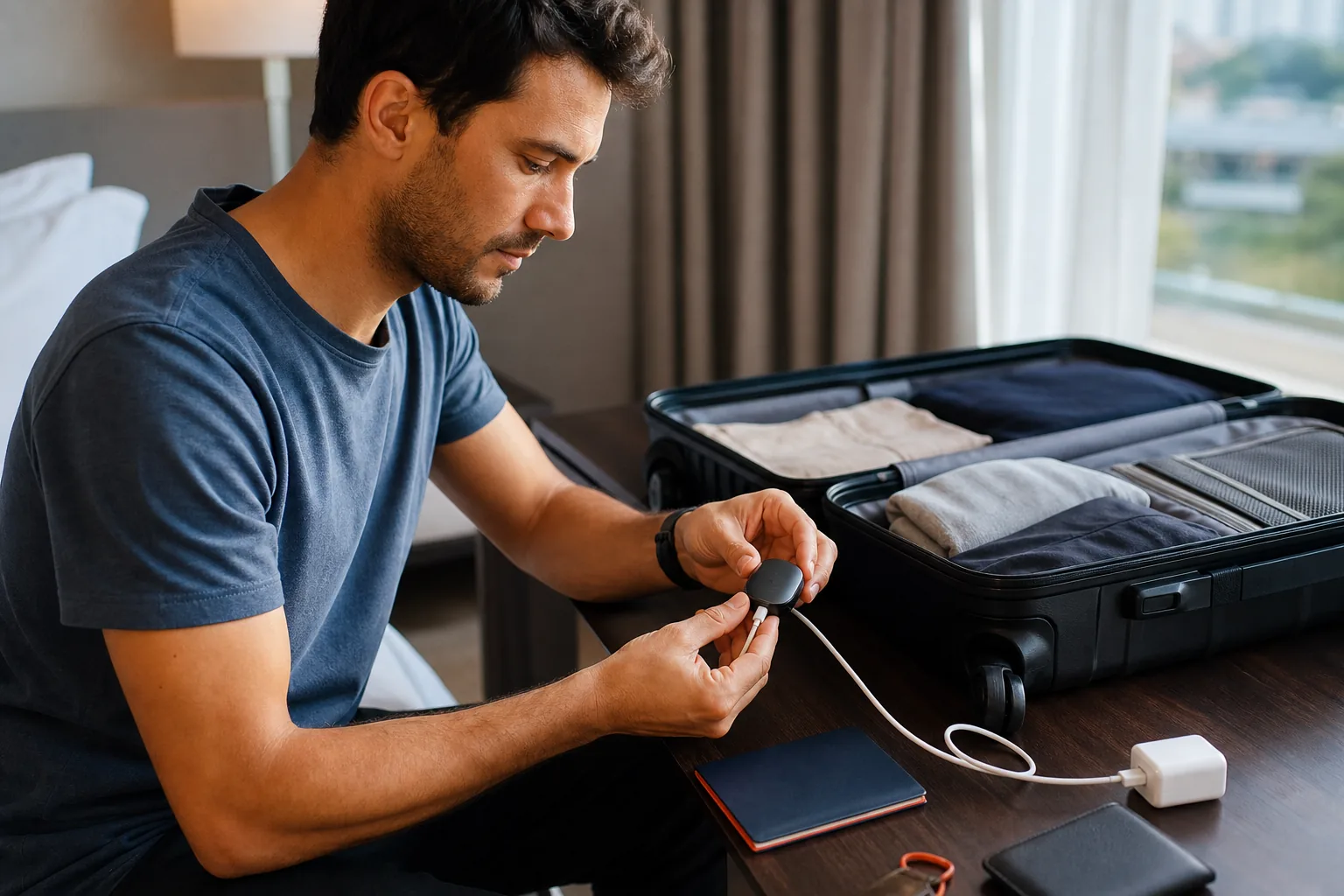
Set up the luggage tracker at home, while you still have time to fix pairing problems.
Charge a GPS unit fully. For a Bluetooth tag, fit the battery and remove any plastic safety tab. Open the correct app, pair the device, and rename it with a clear label such as “Blue checked suitcase.” Avoid a vague name like “Item 1” when several people share an account.
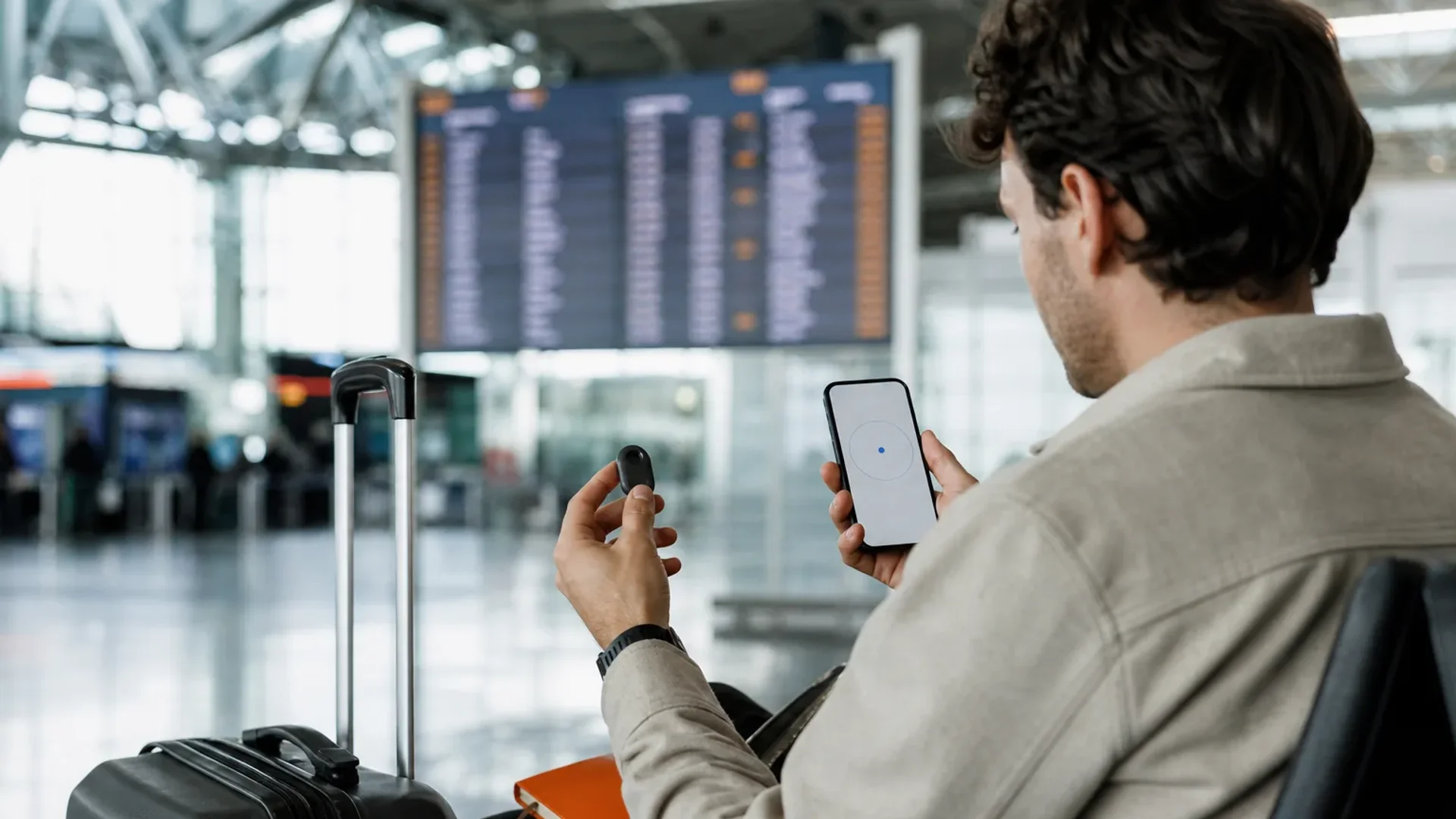
Then test the alert. Put the tracker in the bag and walk to another room. Check whether the app shows a recent location. Trigger the sound if the model supports one. For AirTag, test Precision Finding before you leave, since it can help you locate the suitcase in a crowded room when your phone and tag support the feature.
Turn on left-behind alerts where available. Eufy SmartTrack is listed with a left-behind alarm and an audible signal, but its app was reported to update location about every 20 minutes. That may be fine for a hotel room. It is less useful if you expect a live trail across a transfer.
AirTag 2 relies on nearby Apple devices rather than GPS or cellular, and its longer range requires a UWB-enabled iPhone. Tile is listed with an SOS alert and an audible signal, though it can take a few minutes to reconnect after airplane mode. Satechi Findall works as a luggage tag with a QR code and privacy screen, but its listed battery life is up to eight months per charge.
Take a screenshot of the tracker’s identifier and keep it with your baggage claim record. If the airline asks for a description, you’ll have the bag name and tracker information ready.
Battery rules still matter. Review the battery information and your airline’s own rules before departure, especially when a GPS device uses a larger rechargeable battery. If the airline tells you to remove a battery, follow that instruction.
Finally, place the tracker where it can stay put. An inner zip pocket works well for a Bluetooth tag. A GPS device needs room for its signal, so follow the maker’s placement guidance and avoid wrapping it tightly in foil or dense metal. Test the final placement once more before closing the case.
Step 5: Use Location Updates During a Real Travel Day
Use the tracker as a check during handoffs, not as a replacement for the airline’s baggage process.
Before check-in, open the app and confirm the tracker’s last update. Take a photo of the bag and keep the baggage receipt. After boarding, don’t expect a live GPS trail while the aircraft is in the air. A cellular tracker can reconnect after landing. A Bluetooth tag may update when a compatible phone passes near it.
At a connection, check once after the plane lands. If the location stays at the first airport, don’t assume the bag is lost. The tag may be waiting for a nearby device, or the GPS unit may be in a signal dead zone. Give the airline the tracker’s last known location along with the bag tag number.
AirTag, Moto Tag, Tile, and similar devices are strongest as location clues. They can show that your suitcase is near the airport or hotel. They cannot make the airline move it faster. Keep your claim receipt, report a missing bag through the airline, and share the location data when staff ask for it.
For a trip with expensive gear, a GPS tracker gives you more frequent updates. It does not replace coverage, so review whether travel insurance is worth it for the equipment and itinerary. For a normal suitcase on a busy route, a Bluetooth tag may be enough.
FAQ: Best Luggage Trackers for International Travel
Do luggage trackers work internationally?
Yes, but the type of tracker changes how well it works. Bluetooth tags depend on nearby phones in the same network, while cellular GPS devices report through their own connection. AirTag and Moto Tag can work across countries when their networks are present. Tracki is listed as a worldwide GPS option, but it requires a subscription.
Is AirTag or GPS better for checked luggage?
AirTag is better for low-cost location clues, while GPS is better for independent updates. AirTag can show where a bag was last detected by Apple’s network. A cellular GPS device can report without waiting for a nearby phone. For one normal flight, AirTag may be enough. For repeated connections or valuable gear, GPS gives more visibility.
Do luggage trackers work inside an airplane?
Luggage trackers generally won’t provide a live location while the aircraft is flying. Bluetooth tags may update after landing when a compatible phone passes nearby. Cellular GPS devices can reconnect once they have access to GPS and a cellular network. Keep the tracker powered on, then check it after landing rather than expecting a continuous flight path.
Do GPS luggage trackers require a subscription?
Most cellular GPS luggage trackers need a subscription to keep their network connection active. Bluetooth tags such as AirTag and Moto Tag generally avoid that type of fee. Compare the device price, monthly cost, and charging needs before you decide.
Which luggage tracker has the longest battery life?
Battery life depends on the technology and update rate. GPS units often last days or weeks between charges. Treat “up to” claims as a planning guide, then test the device before a long trip.
Final Thoughts: Which Tracker Is Worth Packing
For most travelers, we’d pack a Bluetooth tag that matches the phone ecosystem already in use. Choose cellular GPS when a checked bag will make several connections, carry valuable gear, or need to report without nearby phones. Pair the device at home, test its alert, and check the battery before you leave. That small setup step is worth more than a flashy feature list.
Airalo vs Holafly compared on real USD prices for Japan, Thailand, and Vietnam, daily data caps, hotspot rules, and who each eSIM is right for.
Verdict: Buy Airalo for most trips: it was cheaper than Holafly on every unlimited duration we checked in Japan, Thailand, and Vietnam, it sells fixed-GB plans that cost far less for light use, and it publishes its daily full-speed cap. Buy Holafly only if you want unlimited data sold by the exact day, from 1 to 90 days, and accept paying from $0.50 to about $25 more.
Airalo vs Saily compared on live prices, coverage, calls, apps, support, and Trustpilot scores, with a clear pick for each kind of trip.
Verdict: Airalo is the better default because its prices match Saily's almost to the cent and it adds calls and SMS plans, 3 to 365 day validity, and wider regional coverage. Saily is the better pick if you want a single reusable eSIM, faster in-app support, and a much higher Trustpilot score (4.7 against 4.1).
Anker power bank review for travelers: Laptop 25K 165W, Prime 26K 300W, MagGo 10K Slim and Nano 5K compared by weight, price, Wh, and the recall list.
Verdict: For most travelers carrying a laptop, the Anker Laptop Power Bank (25K, 165W) is the Anker to buy, because it pairs 92.5Wh of capacity with two built-in cables for $119.99. If you only charge an iPhone, buy the MagGo 10K Slim or the Nano 5K instead.