For most travelers the best translation app is Google Translate, installed with your destination’s language pack downloaded before you leave Wi-Fi. It is free, it covers the widest range of languages, and the offline mode handles both typed text and camera translation of signs and menus. No other app matches it on breadth, so the real question is what to add next to it, and that depends on your phone and your destination.
This guide is about apps. If you want hardware that sits in your ears for live conversation, see our translation earbuds guide.
What actually matters in a translation app
Four things decide whether an app helps or just looks helpful at a hotel desk.
Offline packs. Roaming data is not guaranteed in a taxi, a rural bus, or a basement restaurant. An app that cannot work offline stops working exactly when you need it.
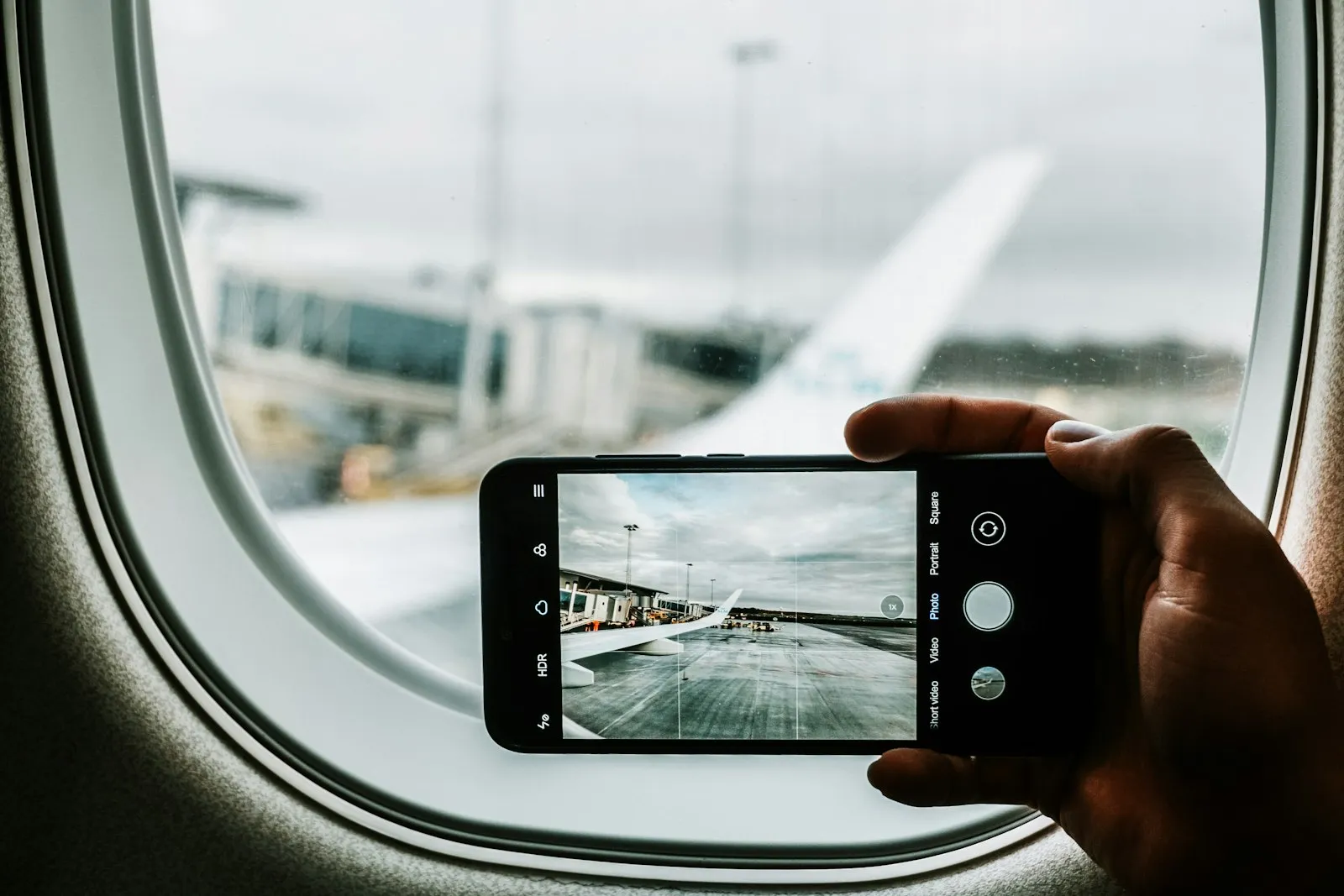
Camera translation. Menus, train signs, and pharmacy labels are the most common use. It has to work offline too.
Conversation mode. This is the part that sounds best in marketing and works worst in practice, so treat it as a bonus.
Cost. Google, Apple, and Microsoft are all free. Subscription apps need to earn their price.
Google Translate: the default
Google Translate is the one to install first. The language pack files are small, per Google’s own support page, so you can download several in a minute on hotel Wi-Fi.
To get offline use: open the app, tap the language, and tap the download icon beside it. Once a language is downloaded, text translation works without a connection, and Google says camera translation can work offline for downloaded languages too. Not every language supports the camera, so check yours before you rely on it.
The recent additions are worth knowing about, with limits. Google’s December 2025 update added live translation through any pair of headphones, supporting more than 70 languages, but it launched as a beta on Android in the US, Mexico, and India, with iPhone support listed as planned for 2026. It also added Gemini-based handling of idioms and slang, starting with English and nearly 20 languages.
The honest negatives:
- Offline live translation is narrow. BGR reports that offline Live Translate runs only on Pixel 9, Pixel 10, and Pixel 11 phones, and only from English into ten languages (Italian, Spanish, French, German, Portuguese, Hindi, Russian, Swedish, Japanese, and Indonesian). You cannot go directly between two non-English languages offline.
- Conversation mode is clumsy. A review at Too Many Adapters calls it clunky in practice. Plan to type or show your screen in noisy places.
Apple Translate: the iPhone backup

If you have an iPhone, the Translate app is already installed. It offers an on-device mode for downloaded languages, which means translation can run without a connection. Turn the phone sideways and conversation mode shows each speaker’s words on their own side of the screen.
It also powers Live Translation with AirPods, which works on iPhone only. The catch is coverage: it supports fewer languages than Google’s catalog, so check your language is on the list before you count on it.
The sensible setup on an iPhone is both apps. Use Apple Translate when your language is supported and Google Translate for everything else.
Microsoft Translator: for two people, two phones
Microsoft Translator is free and supports offline translation packs. Its standout feature is multi-device conversation, where each person joins on their own phone and reads or hears the translation in their language. That is a better fit than passing one phone back and forth, especially for a tour group or a longer exchange such as a rental agreement or a taxi negotiation.
The tradeoff is that the other person needs to install the app and join, which is an awkward ask at a market stall. Use it for planned conversations, not for quick street questions.
Papago: if you are going to Korea
Papago, by Naver, is the specialist worth installing for Korea. It supports Korean plus Chinese (simplified and traditional), Japanese, Vietnamese, Thai, Spanish, French, Indonesian, Russian, German, and Italian, per Too Many Adapters, and it has a Korean honorifics toggle that general-purpose apps lack. That toggle matters, because the level of formality changes the translation.
The limit is range. It is a short list of languages, so it complements Google Translate and does not replace it.
Camera and signs: two specialists
For Chinese, two focused tools beat a general app. Pleco is a dictionary with camera lookup for signs and menus, free with paid add-ons from $4.99 to $59.99. Waygo, which translates Chinese, Japanese, and Korean from the camera fully offline, was reviewed as free with a limit of ten translations per day and a paid full version, though that review is several years old, so check the current store listing.
DeepL has a strong reputation for the quality of written translation, and it is a good choice for drafting an email to a hotel. I could not confirm that its mobile apps offer offline language packs, so it is not the one to depend on without a signal.
Before you fly: a short setup
- Download your language on Wi-Fi. Do it at home. Packs are small, but airport and hotel Wi-Fi is unreliable.
- Test camera translation once. Switch your phone to airplane mode at home, then point the camera at a foreign-language label or package to confirm it works without a signal.
- Keep a second app. If one app misreads a word, a second opinion catches the error.
- Save the key phrases. Allergies, your hotel’s address, and “I need a pharmacy” should be saved as favorites.
- Sort your data. If you will be outside Wi-Fi often, a travel data plan helps more than any single app. Our best eSIM for international travel guide covers that, and our best offline maps app guide covers the navigation side.
What translation apps do not solve
Do not use an app alone for medical, legal, or contract text. Machine translation is good enough to order dinner and ask directions, and it is not good enough to stake your health or a deposit on. Names, slang, and dialects also trip every app here. And an app does not give you the human part: a few words of the local language, said with a smile, still changes how a conversation goes.
The decision
- If you travel with any phone, install Google Translate and download your language pack at home. It is free and has the widest coverage.
- If you have an iPhone, also use Apple Translate for supported languages. It runs on the device and needs no connection.
- If you need a two-way conversation with a guide or host, use Microsoft Translator. Each person uses their own phone.
- If you are going to Korea, add Papago. The honorifics toggle makes a real difference in tone.
- If you want hands-free live conversation, look at hardware. Our translation earbuds guide covers which pairs are worth the money.