Airplane WiFi works by connecting your device to a small access point inside the cabin, which sends your traffic up to a satellite or across to a ground tower, and then back down to the regular internet. The plane is a flying router with one shared connection to the outside world. How good your experience is depends almost entirely on which kind of connection that router has.
That one fact explains most of what frustrates people. It explains why a flight over Nebraska can feel fine and a flight over the Atlantic can feel broken, why a video call stutters when a text message does not, and why the same airline can feel fast on one aircraft and slow on the next.
The three pieces: your phone, the cabin, the link
Your device never talks to the sky directly. The chain has three parts.
The cabin access point. This works much like the router at home. Upgraded Points reports roughly one wireless access point for every 50 passengers, all feeding one onboard modem.
The antenna. It is either a flat antenna on the belly of the plane (for ground towers) or a dome on top of the fuselage (for satellites). Newer streamlined satellite antennas have no moving parts, which cuts drag and saves airlines tens of thousands of dollars a year in fuel, according to Upgraded Points.
The link to the ground. This is where the three technologies below split apart, and it is the part that decides your speed.
Air-to-ground: towers pointed at the sky
Air-to-ground (ATG) systems use cell towers that aim their antennas upward. As the plane moves, the belly antenna hands off from one tower to the next, much like a phone does on the highway.
The numbers are modest. Early systems delivered about 3 Mbps to the entire aircraft. Gogo’s ATG-4 reaches up to 10 Mbps, and its newer 5G network is claimed to exceed 25 Mbps, per NetSpot’s overview. All of that is shared by every passenger who connects.
The bigger limit is geography. ATG works only where towers exist, so it covers populated land well and drops to nothing over oceans, deserts, and remote mountains. This is why it is mostly a domestic US technology.
Satellites: Ku-band and Ka-band
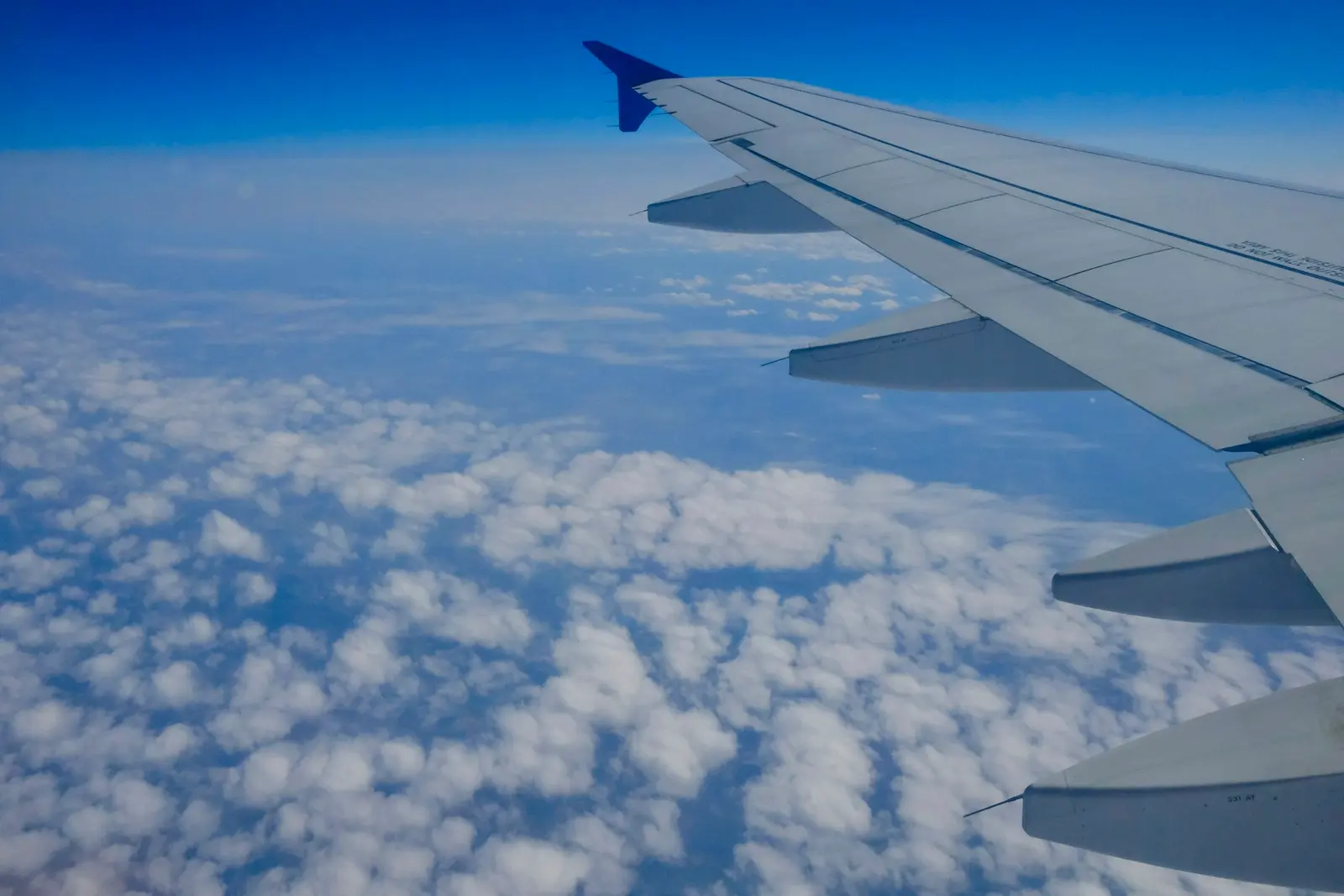
Satellite WiFi uses a dome antenna on top of the plane and points it at a satellite parked in geostationary orbit, roughly 35,000 km (22,000 miles) above the equator. The satellite relays your traffic to a ground station, which connects to the internet.
Two radio bands dominate:
- Ku-band (12 to 18 GHz) delivers roughly 30 to 50 Mbps per aircraft. There are many Ku satellites, so coverage is wide and consistent, but bandwidth is shared across the plane and heavy rain can weaken the signal (an effect called rain fade).
- Ka-band (26.5 to 40 GHz) delivers up to 80 Mbps per aircraft, and Viasat’s newer service is quoted at 100 Mbps or more. There are fewer Ka satellites, so coverage is smaller and tied to specific routes and airlines.
Both share a physical limit. A signal that travels 35,000 km up and 35,000 km back takes time, and NetSpot puts latency on traditional satellite service at about 600 milliseconds. That delay does not matter for loading a web page or sending a message. It is the reason video calls and anything real-time feel clumsy.
Starlink: the same idea, far closer
Starlink changes the geometry. Its satellites orbit at about 550 km, not 35,000 km, so your signal travels a fraction of the distance. NetSpot lists latency under 20 milliseconds, against roughly 600 milliseconds for geostationary service.
That shows up in real tests. The Points Guy measured 217 Mbps down and 26.8 Mbps up at 35,000 feet on a United flight, and reviewers on United’s launch flights reported video streaming and FaceTime working. For comparison, that is several times the capacity of a Ku-band link for the whole plane, delivered to one passenger.
The honest caveat is availability. Starlink is rolling out airline by airline and aircraft by aircraft. United says Starlink Wi-Fi is free to MileagePlus members and sends a notification before the flight if the aircraft has it, and press coverage puts the equipped fleet in the hundreds of aircraft, with more planned through 2027. Hawaiian Airlines uses it on A330 and A321neo aircraft. Figures vary by source and change quickly, so treat any fleet count as a snapshot.
Why it still feels slow
Even on a fast link, three things work against you.
You share it. NetSpot notes that airlines split the available bandwidth among connected users. A plane with 180 passengers and a 40 Mbps link gives each person a small slice if everyone is streaming.
Weather and position matter. Ku-band can fade in heavy rain, and ATG vanishes the moment you leave land.
Cost shapes the experience. Airlines pass the cost on through per-flight, hourly, or monthly pricing. Upgraded Points lists Southwest at $8 per day and American’s monthly plan starting at $49.95. On United flights without Starlink, press coverage in April 2026 listed $8 for MileagePlus members and $10 for everyone else. Check the price on your own ticket’s flight, because it changes by route and aircraft.
What this means for how you use it
- Messaging and email are safe bets on any link. They need little bandwidth and tolerate 600 milliseconds of delay.
- Video calls need Starlink or a good Ka-band link. On traditional satellite, expect freezing and talking over each other.
- Streaming works on faster links but is a gamble on Ku. Download your shows before boarding. An airplane phone holder makes watching on a tray table much easier.
- Log in to the portal first, then turn on your VPN. A VPN can stop the login page from loading, because the portal sees the VPN server and not the plane. Complete the portal sign-in, then connect. If you want a pick, our best VPN for travel roundup covers it.
- Do not assume the connection is private. Norton warns against treating in-flight WiFi as secure, so avoid logging in to sensitive accounts without a VPN.
What this guide does not solve
Knowing how the system works does not tell you which flight has the good version. Airlines mix technologies across their fleets, so the same route can have Starlink one day and Ku-band the next. The only dependable check is the airline’s own pre-flight notice or the aircraft-specific WiFi page on the booking site.
It also does not cover your phone’s data. If you land and want data right away, that is a separate question, and our best eSIM for international travel guide handles it.